 VIDEO COMING IN PREPARE
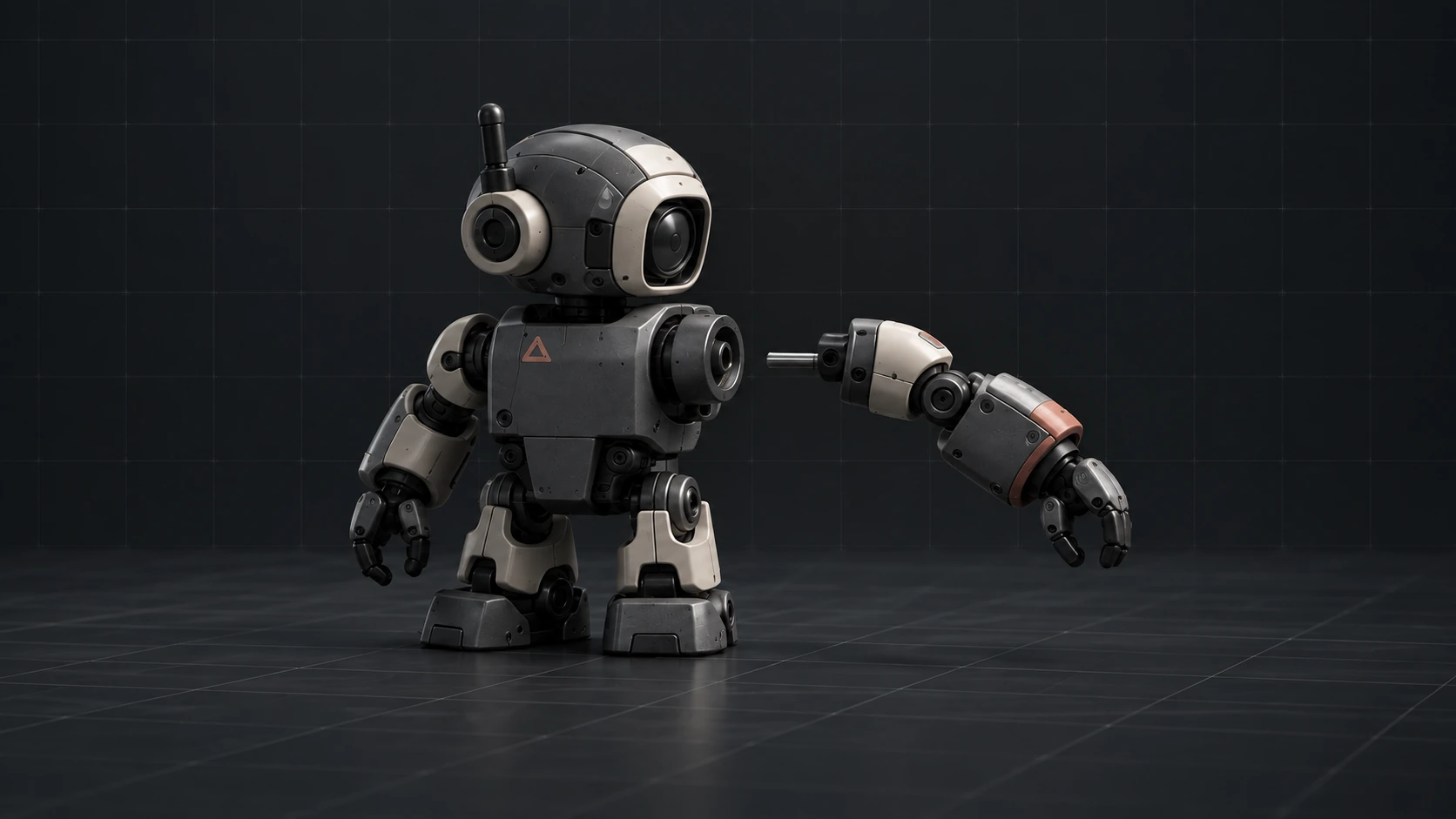
Assembly direction
Checking the selected direction and viewing the movement of the part.
Check the assembly direction of the part, place pins along the chosen direction and find mesh problems before assembly.
 VIDEO COMING IN PREPARE
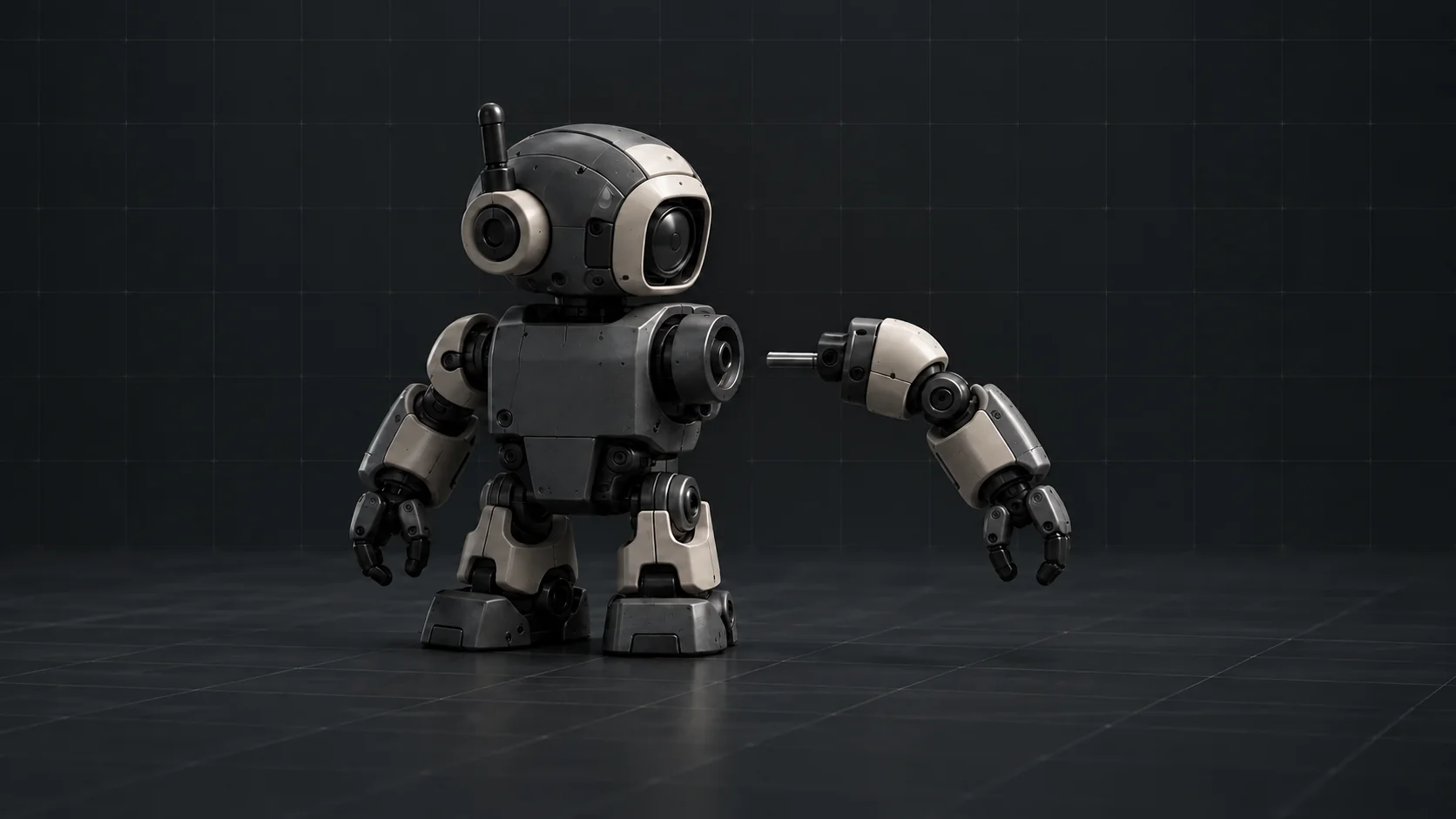
Checking the selected direction and viewing the movement of the part.
 VIDEO COMING IN PREPARE
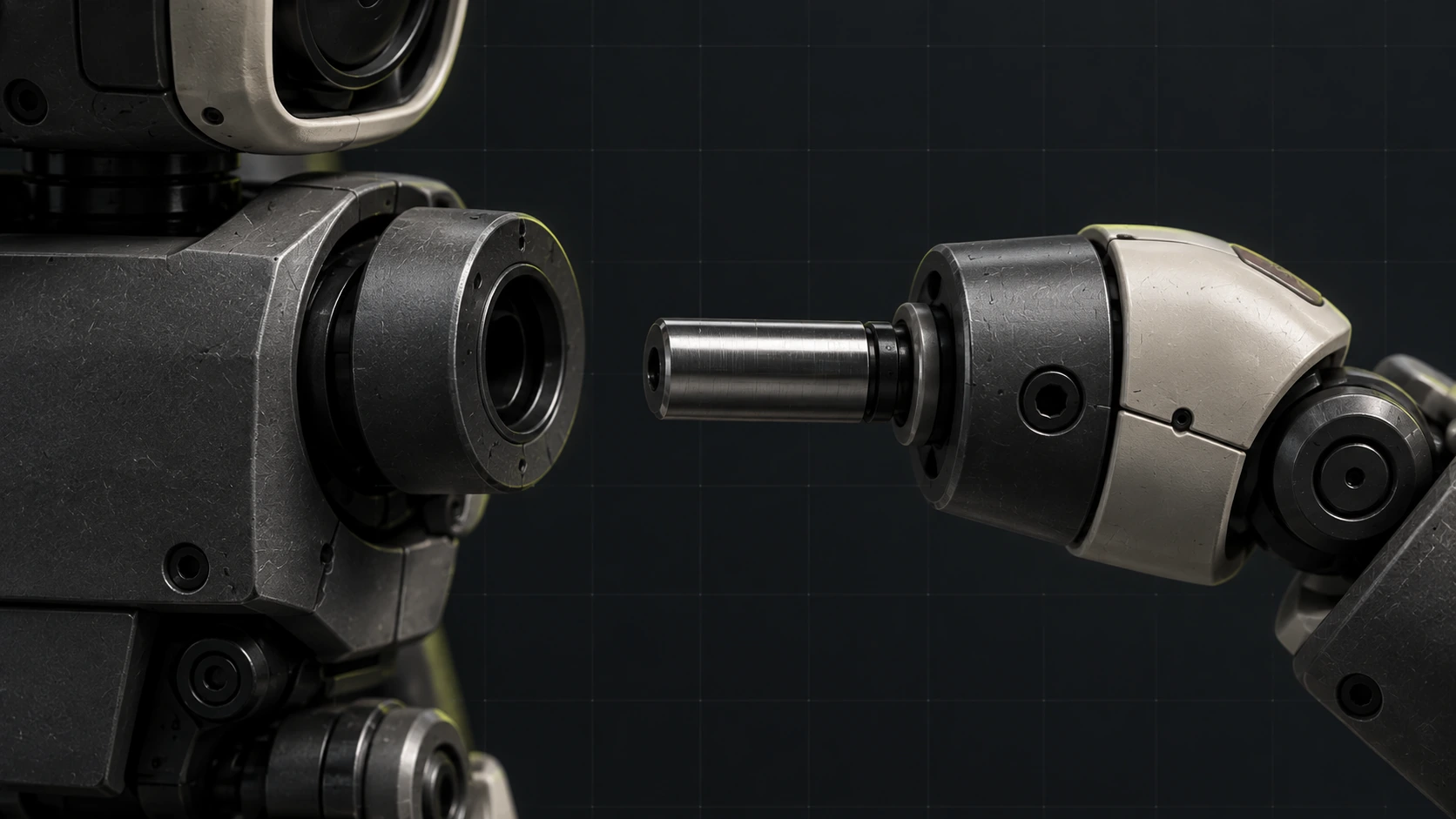
Selecting a point, setting up a pin and checking its placement.
 VIDEO COMING IN PREPARE
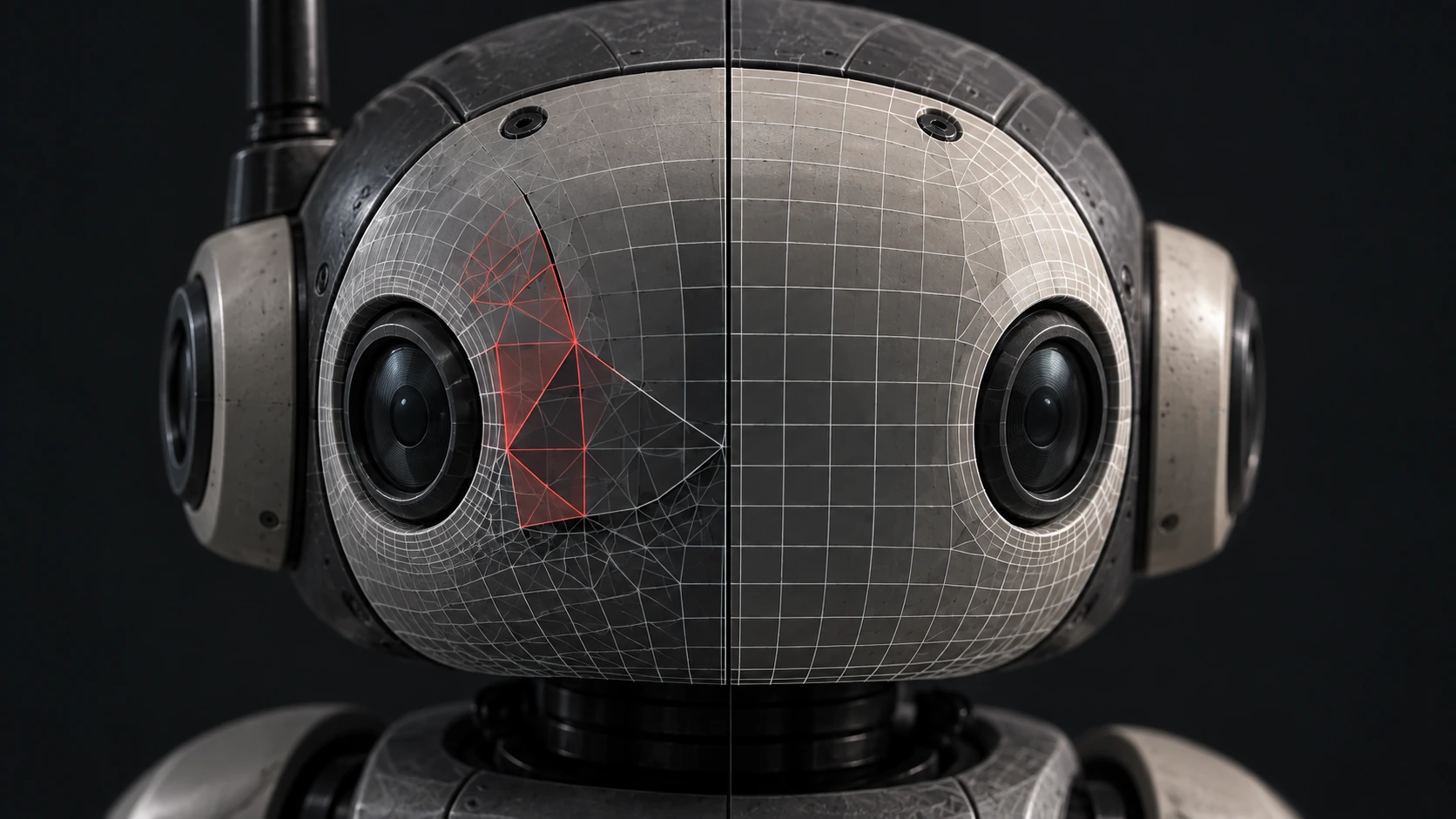
Search for defects and repairs available for them.
APC TOOLS
Analyze checks the path along the selected direction. Auto Direction finds obstacle-free directions and, if none are available, suggests the least blocked one. Animate Path animates the part's movement and highlights obstacles.
Learn moreAfter checking the path, select the pin location, adjust it flexibly, and confirm the placement along the free disassembly direction. Copy pins to other parts and edit existing ones.
Learn moreScan Mesh Health detects mesh problems. For supported cases, Repair Safe Issues and Create Repaired Copy can repair them. Find Holes finds holes and lets you choose how to fix each one.
Learn moreRegister, confirm your email and request a trial key for 14 days.